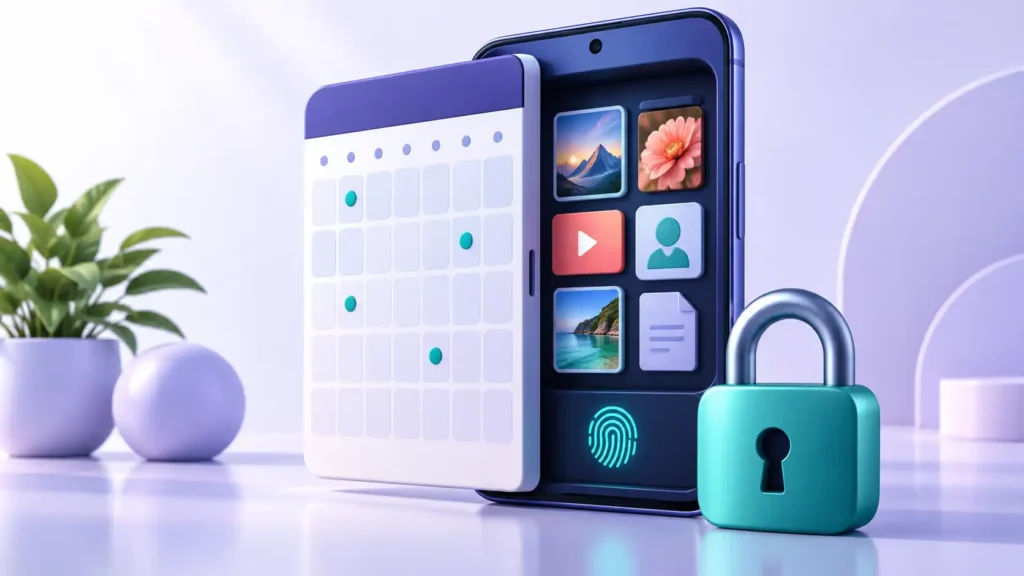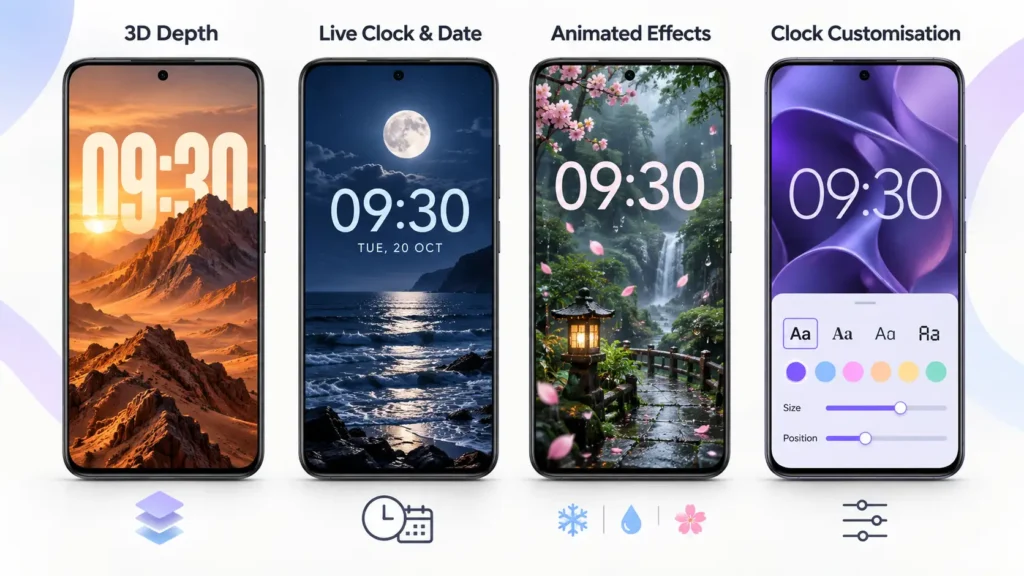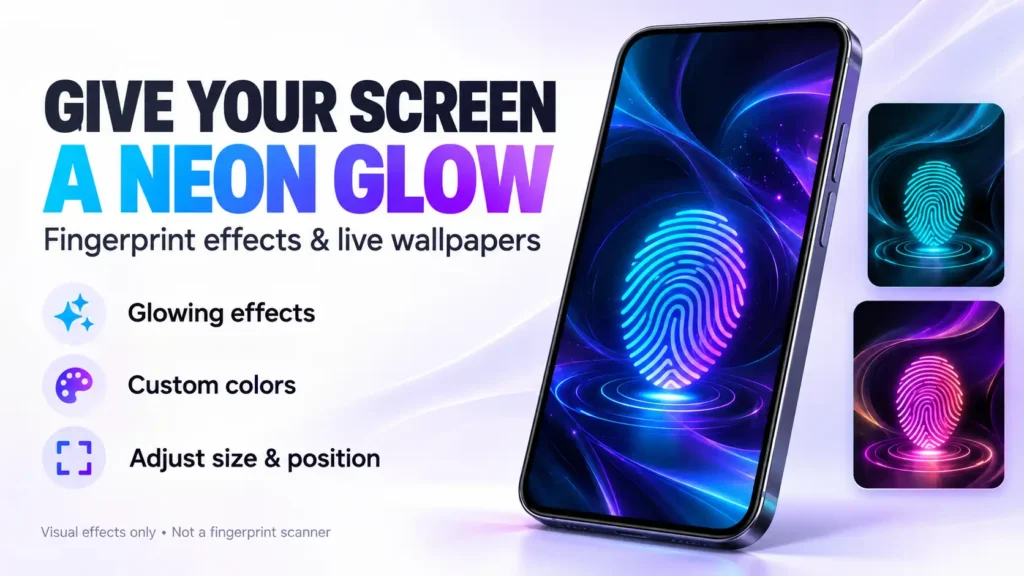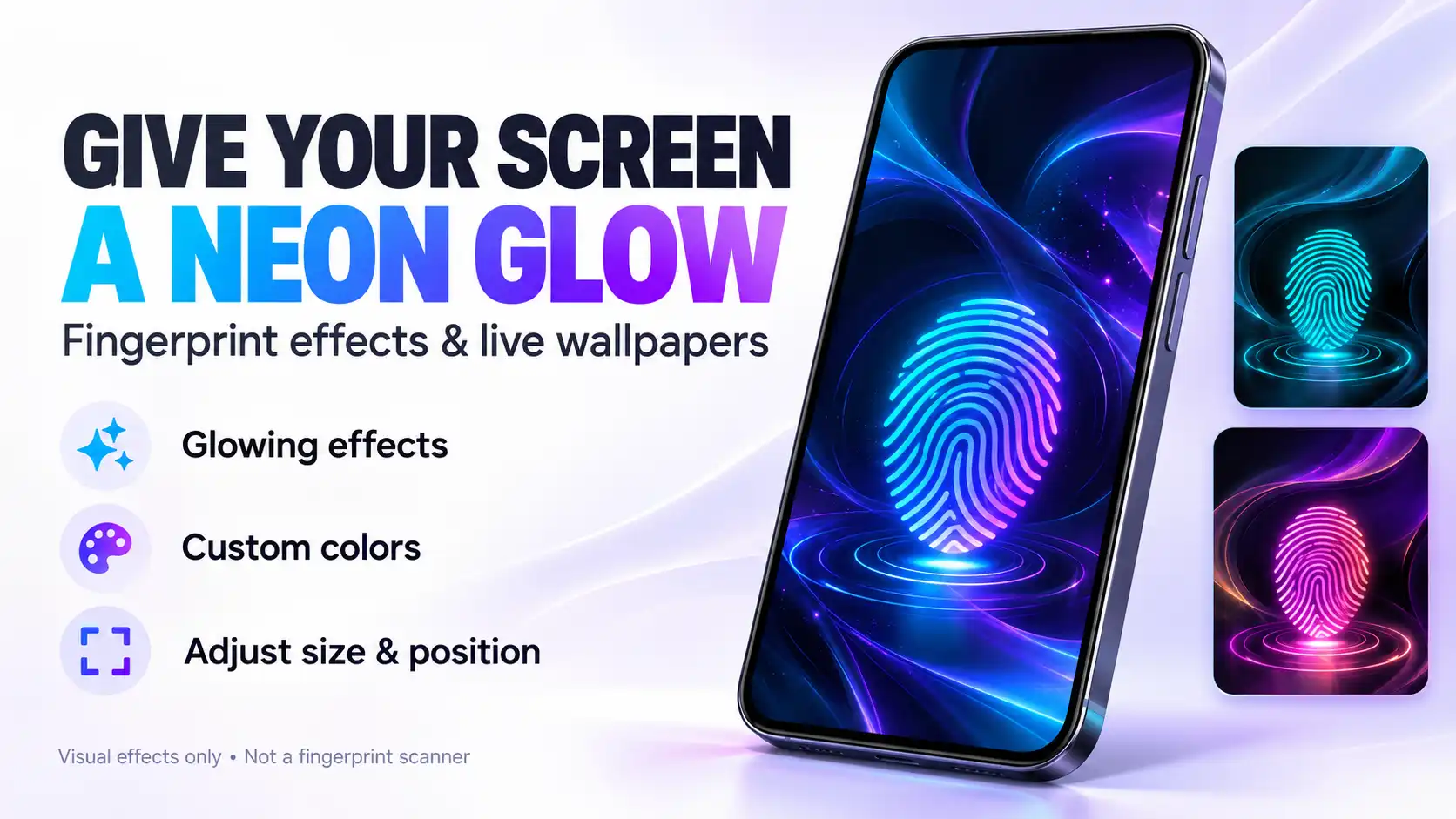
Fingerprint Live Animation is an Android personalization app that adds decorative fingerprint effects and animated wallpapers to your screen. If you like glowing neon patterns or futuristic wallpaper designs, it offers a way to experiment with that look.
Quick answer: This app is for visual customization. It does not scan fingerprints, add a fingerprint sensor to your phone or provide biometric security. The developer explicitly describes its fingerprint animations as decorative effects.
What Does Fingerprint Live Animation Offer?
The Google Play description advertises neon, particle and ripple effects, animated backgrounds, and an AI wallpaper generator. It also mentions controls for adjusting animation position, size, colors and speed.
The app is published by GMInfotech and contains advertisements. The listing retrieved for this article shows 500K+ downloads and an update date of October 14, 2025. Store details may change.
The practical appeal is screen decoration: choosing an effect, matching it with a background and positioning it where you want it to appear.
Does It Change Your Phone’s Actual Fingerprint Unlock Animation?
Do not assume that applying a fingerprint wallpaper will replace your phone’s built-in biometric unlock animation.
The developer’s description establishes that this is a visual animation app, not a fingerprint recognition tool. It does not establish universal support for changing the system unlock effect.
Before installing, decide which result you want:
- A decorative fingerprint effect: This matches the app’s stated purpose.
- A different system unlock animation: Check your phone’s settings and official device documentation first.
- Fingerprint unlocking on a phone without a sensor: This app cannot provide that capability.
Keeping those expectations separate helps avoid downloading an app that does not address your actual goal.
How to Set Up a Fingerprint Animation
The developer outlines the following setup process:
- Choose an animation.
- Adjust its position and size.
- Select a matching background.
- Preview the result and apply it.
After applying your selection, check the result on your own phone. Confirm that the effect appears on the intended screen and does not make the clock, notifications or other information difficult to read.
If you want to use it specifically on the lock screen, check the available wallpaper options before spending time customizing a design. Do not assume every phone will offer the same placement or application choices.
Things to Check Before Installing
1. The Animation Count Is Inconsistent
The store description mentions 50+ effects in one section and 100+ effects elsewhere. Treat the exact number as unclear rather than choosing the app based on a guaranteed collection size.
2. Check Battery Usage on Your Own Device
The developer markets the app as battery-friendly, but that claim is not a substitute for a device test.
For a useful comparison, note your usual battery usage with a static wallpaper, then check your phone’s Battery settings after using the animated wallpaper under similar conditions. If you notice an unwanted change, return to a static background and compare again.
Also consider readability. A visually impressive effect is less useful if it distracts you whenever you check a notification.
3. Review Ads and Feature Access
Google Play identifies the app as containing ads. The information reviewed does not establish that every animation or AI feature is available without restrictions.
Before committing to a design, check whether the specific option you want requires an advertisement, payment or another condition. Avoid assuming that an advertised feature is automatically unlimited.
4. Read the Privacy Information
According to the developer’s Google Play Data safety declaration, the app may collect device or other identifiers and declares no data sharing with third parties. These are developer-provided disclosures, not an independent privacy audit.
Review any permission request when it appears. Consider whether its stated purpose makes sense for the feature you are using. If an AI feature asks you to submit a personal image, read the privacy policy before proceeding.
Who Should Consider This App?
Fingerprint Live Animation is worth considering if your goal is to experiment with decorative screen effects and animated backgrounds.
Before keeping it installed, answer three questions:
- Do you like the result on your actual screen?
- Are the advertisements and feature restrictions acceptable?
- Does it fit comfortably into your everyday phone use?
If your main goal is stronger security or a guaranteed replacement for the manufacturer’s unlock animation, this app’s stated purpose does not meet that need.
Frequently Asked Questions
Does Fingerprint Live Animation scan my fingerprint?
No. The developer says it does not scan or recognize fingerprints. Its fingerprint effects are visual decorations.
Can it add fingerprint unlocking to my phone?
No. A fingerprint graphic is not a biometric sensor and does not create fingerprint authentication.
Are all animations and AI wallpapers free?
The reviewed information does not confirm unrestricted access to every feature. Check the conditions shown inside the app before using a particular effect.
Has this app been tested for this article?
No hands-on testing was conducted. This article explains the official listing and provides practical checks to help you decide whether the app suits your needs.
Where to Download
Use the official listing to confirm the developer, check compatibility and review the latest privacy information before installing.
Download Fingerprint Live Animation from Google Play
More Posts You May Like