Quick Answer
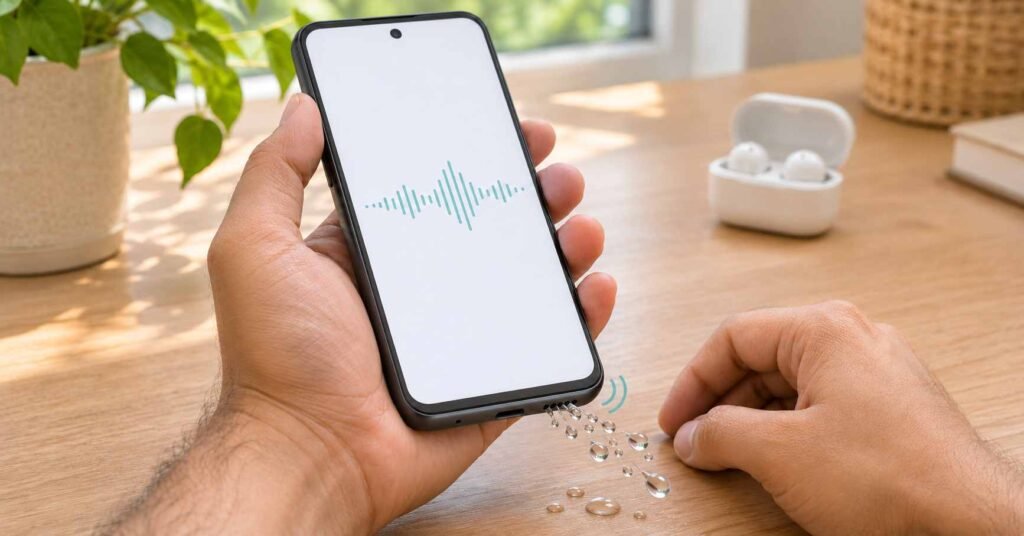
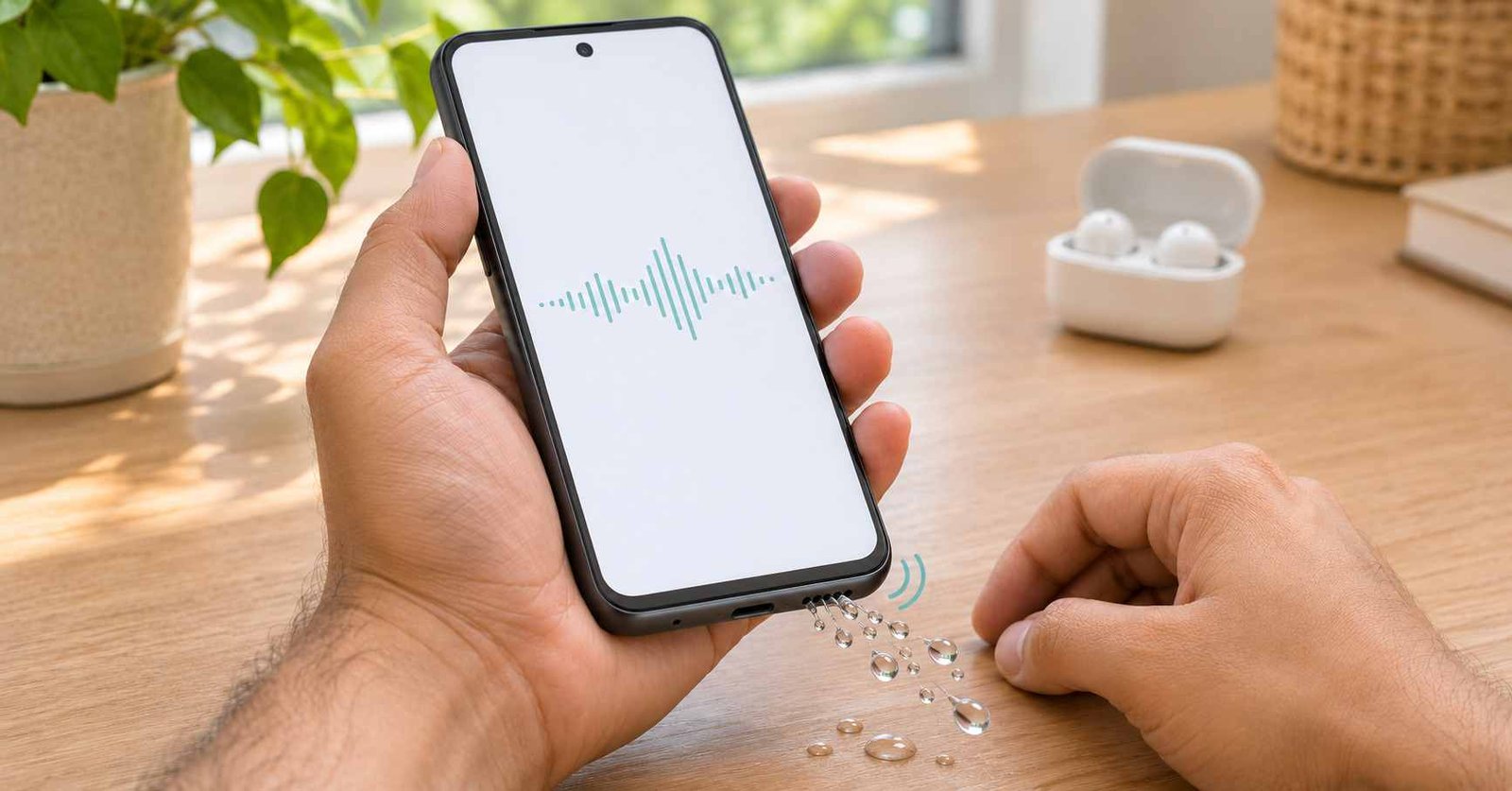
If your Android speaker sounds muffled, first establish whether the problem affects downloaded media, ordinary calls, internet calls, or a connected accessory. A water-eject app only plays sound through a selected output; it cannot tell you which component is faulty. After liquid exposure, follow the phone manufacturer’s instructions before running audio tests.
A voice message sounds as though someone is speaking through a blanket. You increase the volume, but the words remain unclear. Searching for a solution brings up speaker cleaners, water-eject tools, and volume boosters, often with similar-looking screenshots.
Choosing between them is easier once you describe the symptom accurately. Quiet audio is not necessarily muffled audio. A distorted recording is not necessarily a damaged speaker. And a caller struggling to hear you points toward a different part of the sound system.
Consider three everyday situations. Music sounds normal, but one video is difficult to understand. A call becomes clear when you enable speakerphone. Or the phone’s own speaker sounds poor while Bluetooth earbuds sound normal. Each comparison gives you a useful clue, even though none provides a complete diagnosis.
The aim of this guide is to help you choose a sensible next step before adding another app. You will learn how to narrow the problem, when cleaning tones are relevant, what results are worth noticing, and when to hand the issue to support.
We also look at Speaker Cleaner: Water Eject by Zogo Global as one example. Its advertised controls are considered alongside the practical question that matters: does this tool address the problem you actually have?
Table of Contents
Quick Overview: What Your Listening Check Can Tell You
| What you notice | What to investigate next |
|---|---|
| Only one file or video sounds poor | Compare a different source before blaming the speaker. |
| Media is clear; ordinary calls are unclear | Check the call route, receiver, and connection. |
| You hear clearly; other people cannot hear you | Check mute, microphone access, and the input device. |
| Bluetooth sounds fine; phone playback does not | Focus on the phone’s output, settings, and obstructions. |
| The change followed water exposure | Use the manufacturer’s drying guidance before testing. |
These are troubleshooting clues, not confirmed fault diagnoses. Several problems can produce similar results.
If the Phone Got Wet, Pause the Audio Checks
A recently submerged phone needs a different response from a dry phone with a quiet recording. Do not power it on simply to download a cleaning tool.
For Pixel phones that fall into water, Google advises switching the device off, drying the exterior with a soft cloth, and allowing it to finish drying at room temperature on a flat surface.
A USB moisture alert also takes priority over sound quality. Follow the official instructions for liquid or debris warnings. Playing a tone does not confirm that a charging connector is ready for use.
Samsung’s water-exposure advice warns against heat and compressed air, and says charging accessories should remain disconnected until the device is dry. Instructions for contaminated liquids depend on water resistance and the model; do not improvise a rinse for an unknown device.
First Identify the Part of the Audio System Involved
Sound You Hear From the Phone
Music playback and a call held against your ear may use different speakers. Google explains that on Pixel phones, the top receiver primarily handles ordinary calls, while the bottom speaker is used for speakerphone and is generally louder during media playback.
This explains why a phone can pass one listening check and still have a problem with another. Check the speaker and microphone layout for your model instead of treating every opening as an identical speaker.
Sound the Other Person Hears
If you can hear the caller but they cannot hear you, investigate audio input. Check whether you are muted, whether a headset is supplying the microphone, and whether the calling app has microphone permission.
Google provides a separate microphone troubleshooting guide for this situation. A sound played through your loudspeaker does not establish that the microphone is recording correctly.
Sound From an Internet Calling App
When downloaded media is clear but an internet call breaks up, compare the connection and the calling app before assuming a physical blockage. The remote person’s microphone or connection may also be involved.
Our guide to internet-based international calling apps explains the role of connectivity in those services. A speaker cleaner cannot improve a weak connection at either end of a call.
A Simple Investigation for a Dry Phone
Use this sequence only when the device is dry and appropriate to operate.
- Choose a known recording. Play a familiar, clearly recorded clip already stored on the phone. This gives you something consistent to compare.
- Check where it is playing. Disconnect Bluetooth accessories and select the phone’s own output. Adjust the media volume while the clip plays.
- Change the source. Try another recording or an unrelated app. If the defect follows one file, investigate that file first.
- Check the exterior. Remove a case or protective film that could obstruct an opening. Follow the manufacturer’s cleaning directions for visible contamination.
- Return settings to a familiar state. Temporarily disable audio effects you recently changed and compare at a moderate volume.
Google’s unclear-sound guidance recommends comparing different media and checking Bluetooth. Samsung additionally highlights sound balance, separate app sound, accessories, and obstructions. Exact settings differ between devices.
Three Examples That Help You Choose
The following situations are illustrative examples, not results from testing the featured app.
Example 1: One Voice Message Is Unclear
A saved video and a second voice message sound normal. Only the original message is muffled.
That result gives you little reason to start cleaning the speaker. Ask for another recording or check whether the original was recorded poorly. Installing several cleaning apps would not resolve uncertainty about the source.
Example 2: Calls Improve on Speakerphone
Media plays normally, but listening with the phone against your ear is difficult. Switching to speakerphone makes the conversation easier to follow.
Record that difference. It helps support understand which listening route needs attention. A cleaner that plays through the media speaker may not test the receiver that bothered you.
Example 3: All Phone Playback Changed After a Splash
Different recordings now sound dull through the phone. The timing makes moisture worth considering, but does not establish where it is or whether there is internal damage.
Complete the manufacturer’s recommended response first. Consider optional sound tools only when operation is appropriate, and seek help if the problem remains.
Where Speaker Cleaner: Water Eject Fits
The advertised app provides generated tones, adjustable frequency, vibration options, and speaker checks. Think of these as ways to produce and compare sound, rather than a system that inspects the phone’s interior.
The most useful feature depends on your goal:
- To compare output: a repeatable test tone can make it easier to describe a buzz or an uneven response.
- To try a water-eject function: understand that the advertised target is small amounts of moisture near the speaker area.
- To investigate dust: an app’s cleaning claim does not verify that compacted dirt or residue has been removed.
There is no reason to assume this app can correct the source of a bad recording, a microphone-permission problem, or an unreliable call connection.
What the Controls Do Not Prove
Frequency changes pitch, not a measured cleaning depth. A higher number does not automatically mean a better result. A phone’s response to different tones also varies, so unequal loudness across a frequency sweep is not by itself a diagnosis.
Vibration confirms movement. It does not report how much moisture remains. Likewise, a completed cycle shows that the sequence finished, not that the grille passed an inspection.
Water and dirt are different problems. Do not interpret a possible improvement after light moisture as evidence that tones can remove every kind of dry or sticky blockage.
Bonus App Card
| App name | Speaker Cleaner: Water Eject |
|---|---|
| Published by | Zogo Global |
| Official Google Play page | Check availability and app information |
| Platform and category | Android; Tools |
| Business model | Advertisements and optional in-app purchases are listed. |
| Download milestone | 50K+ in the listing snapshot reviewed on 2 November 2026. |
| Rating | Refer to the live store page for the current score. |
| Update date | 24 October 2026 in that snapshot. |
| Release date, app version, Android requirement and size | Check the store’s App info section; these details have not been independently confirmed here. |
| Support contact | zogomobi@gmail.com |
| Privacy information | Policy linked by the developer; the scope needs clarification. |
| Developer’s advertised purpose | Audio patterns intended to assist with speaker-area moisture or loose particles, with output testing. |
Two Installation Checks Beyond the Feature List
Check the Privacy Documents Together
In the 2 November 2026 review, the Play disclosure identified possible collection of device identifiers and app performance information. It reported no third-party sharing, while also indicating a lack of encryption and no data-deletion facility. These are statements supplied by the developer, rather than independently verified findings.
The policy linked from the listing introduced a GPS tracking product and displayed a March 2021 update date. That leaves its application to this audio utility unclear. It is a reason to request clarification, not evidence that this speaker cleaner secretly tracks location.
Ask What Each Permission Enables
A microphone can be relevant to measuring sound levels; generating an audible tone does not itself require recording your voice. Evaluate the feature you selected before agreeing to access.
Review or change permissions using Settings → Apps → the app → Permissions. Google explains the available permission controls, which vary with Android version and phone software.
Should You Pay for a Cleaning Feature?
Decide what the purchase actually provides. Removing ads, unlocking controls, and paying for a longer sequence are different benefits. None, by itself, establishes that a physical defect will be repaired.
Before accepting an offer, check its price, access conditions, and whether payment repeats. We have not verified this app’s current paywalls or advertisement frequency. A payment decision should follow a clear explanation of the feature, rather than the hope that a premium label means deeper cleaning.
Who Might Benefit, and Who Should Skip It?
Potential users: someone with an operable phone who wants accessible tone controls and can interpret the result as an observation, rather than a repair certificate.
Users who should skip it: anyone dealing with significant liquid exposure, a continuing moisture alert, abnormal heating, or a speaker problem that persists after approved drying and basic checks. People needing clearer privacy documentation also have a reason to choose another route.
Choose Your Next Step
| Your goal | Most relevant option |
|---|---|
| Find out whether one recording is the problem | Compare different known recordings without installing anything. |
| Check a supported Galaxy speaker or microphone | Use Samsung Members Diagnostics; test availability varies. |
| Experiment with audio patterns on an operable phone | Consider a tone utility after reviewing its permissions and terms. |
| Resolve persistent distortion or suspected liquid damage | Contact the manufacturer or an authorized repair provider. |
Samsung Members Diagnostics includes audio-related checks on supported devices. It offers a way to gather observations within the manufacturer’s support process; it does not guarantee that every fault will be identified.
Make a Useful Note Before Contacting Support
Instead of reporting only “the sound is bad,” write down:
- When it started and whether there was a splash, drop, or settings change.
- Whether the problem affects calls, media, recordings, or a particular app.
- Whether Bluetooth playback differs from the phone’s own sound.
- Whether removing a case or undoing an audio adjustment changed anything.
- Any moisture alert or unusual device behavior.
These observations help describe the issue without claiming to have diagnosed its cause. If the device is too wet or malfunctioning to test, tell support that instead of turning it on to complete a checklist.
How to Uninstall the App
In Google Play, open your profile, choose Manage apps & devices → Manage, select the cleaner, and choose Uninstall. See Google’s removal instructions.
Check payments separately. If you started a recurring plan, follow the Google Play subscription cancellation steps; deleting the application does not stop an active subscription.
Frequently Asked Questions
Will a phone cleaner fix muffled Bluetooth earbuds?
A tone playing from the phone does not test or clean a separate earbud. Confirm the selected output and follow the accessory maker’s own troubleshooting and care instructions.
Why are videos clear when callers say they cannot hear me?
Playback and voice capture are separate functions. Check mute, the selected microphone, and calling-app permissions. A clear video does not establish that the microphone used for a particular call is working.
Does a quieter top speaker mean it is broken?
Not necessarily. Some designs use a smaller receiver with different output from the main speaker. Compare behavior with the manufacturer’s description for your model.
Must I see water droplets for an app to have helped?
Droplets are not a complete result measure. Listen for a consistent improvement under comparable conditions, but do not use either visible droplets or clearer audio as proof that the whole phone is dry.
Can a cleaning sound switch off a USB moisture warning?
It cannot verify the connector’s condition. Treat the alert according to the phone maker’s instructions and seek support if it persists.
Can I remove the cleaner after using it?
Yes. Keeping a tone utility installed does not add physical water resistance. Uninstall it if you no longer need its functions, and separately review any recurring payment you accepted.
Final Advice
When your Android speaker sounds muffled, a good first result is understanding which sound path is affected. That information helps you choose between a source check, a settings adjustment, optional audio testing, and professional inspection.
Speaker Cleaner: Water Eject provides advertised tone-based tools, but its controls cannot establish why the sound changed or whether damage exists. Review its privacy information and purchases before considering it. For a wet device or a persistent fault, the manufacturer’s instructions and support process deserve priority.
You can explore more practical software explainers in TNAI’s Android app guides.
Editorial disclosure: TNAI explains app capabilities and limitations using published documentation and practical reasoning. This article includes hypothetical troubleshooting examples; we have not conducted a device trial of the featured app. App details are dated where relevant. Confirm current availability, charges, compatibility, and privacy practices with the developer.